Logo Animation for Product Launches
Plan a reusable logo animation system for product demos, Shorts, founder posts, launch galleries, pitch decks, events, transitions, and end cards.
 LogoFuse Team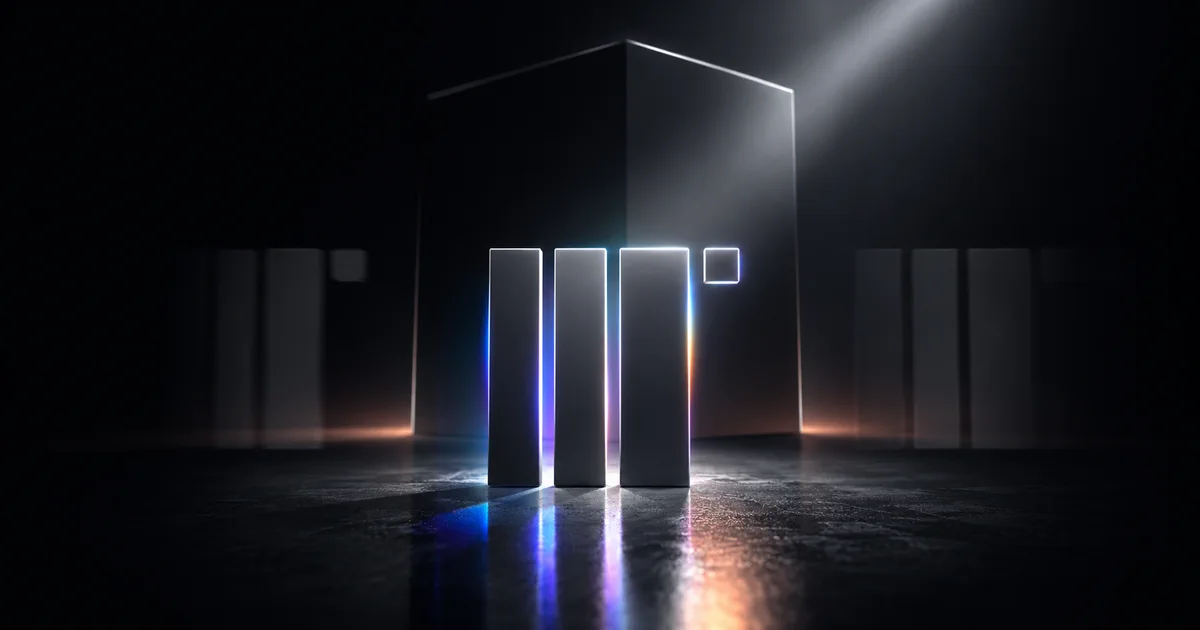
A product-launch logo animation should identify the brand quickly and create a repeatable transition into the product story. It is not the whole launch video. Its job is to establish ownership, pacing, and visual consistency in a few seconds while leaving enough time for the product benefit and proof.
Key takeaways
- Design the motion for a specific placement, not as an isolated effects demo.
- Keep the logo recognizable at mobile size and away from platform overlays.
- Separate the brand beat from the product explanation.
- Reuse one motion signature across the launch system.
- Test timing with real product footage before rendering a final master.
- Use Logo Motion for a focused brand treatment and Flash for a scene-led launch montage.
Where should logo animation appear in a product launch?
Use a short logo beat at the opening, closing, or transition point.
- Opener: confirms who is speaking before the product story starts.
- Transition: connects a founder introduction to the interface, or moves from problem to solution.
- Closer: reinforces recall after the demonstration and provides a stable CTA moment.
- Loop: supports event screens, launch pages, booths, or social teasers without a full narrative.
Avoid placing a long logo sequence before the viewer understands why the product matters. In short-form content, the first second should show a clear product benefit, a specific visual problem, or an unusually strong brand moment. A five-second logo animation that delays the proof is usually worse than a one-second mark used consistently.
How do you build a reusable launch sequence?
A practical launch structure separates brand, product, and action:
- Brand opener: one short, recognizable logo treatment.
- Product promise: the value proposition in text, voice, or a clear interface state.
- Proof: the real workflow, output, comparison, or customer evidence.
- Brand transition: a brief logo or color beat connecting sections.
- End card: logo, product name, URL, and one CTA.
This structure prevents the logo animation from carrying information it cannot explain. The motion establishes identity; the demo establishes value.
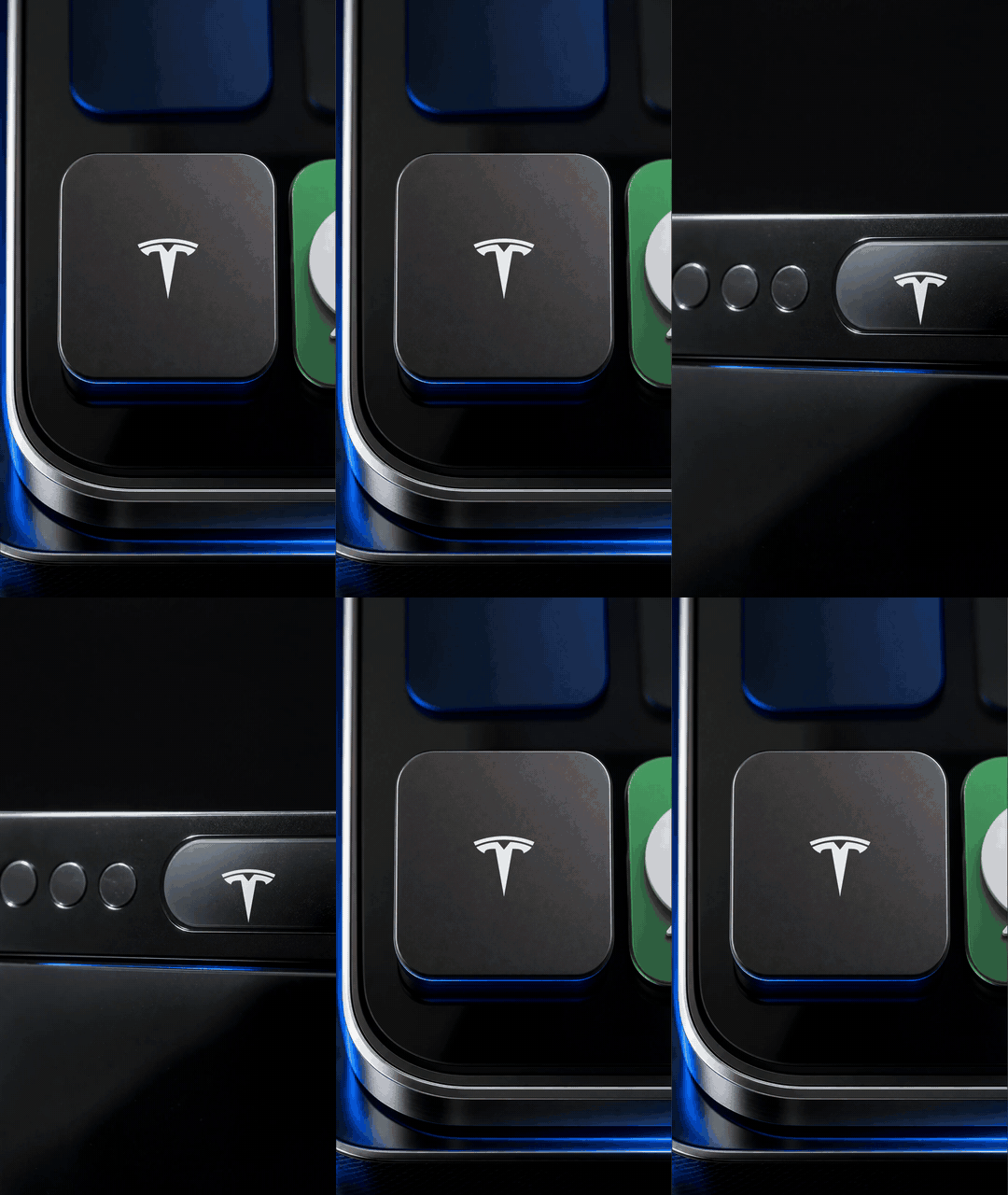
A multi-scene Flash sequence can connect the logo to product context before the real demonstration begins.
How should logo animation change by channel?
The brand signature can stay consistent, but framing, duration, resolution, and safe area should follow the destination.
| Channel | Use the logo motion for | Check before publishing |
|---|---|---|
| TikTok, Reels, Shorts | Fast opener, transition, or end card inside a 9:16 sequence | Phone-size recognition, UI overlays, captions, audio, and first-second pacing |
| Launch gallery | A motion asset between screenshots, value propositions, and product clips | The gallery still explains what the product does without autoplay |
| Founder post | A short identity beat before or after the spoken message | The motion does not delay the founder's first useful sentence |
| Pitch deck | Opening or section-divider asset | Playback works on the presentation device and without network access |
| Event display | Loop, bumper, or clean transition between sessions | Resolution, contrast, loop seam, and large-screen readability |
YouTube's upload guidance explains how its player adapts to vertical and square video. TikTok Business's video specification recommends 9:16 for vertical ad creative and provides safe-zone resources. These are useful references, not permanent guarantees; platform controls and requirements change.
Which LogoFuse workflow fits a launch?
Choose based on the communication goal:
Use Logo Motion for a material signature
A continuous shader reveal works when the brand needs a distinct surface treatment—chrome, spectral color, smoke, glow, or liquid movement. It is strong as an opener, closer, transition, or loop because the mark remains the subject.
Use Flash for context and sequence
A fast scene sequence works when the launch must connect the logo to packaging, devices, interfaces, materials, or campaign imagery. It establishes a wider brand world before the product proof.
LogoFuse supports both through Logo Motion and the Flash editor. The same uploaded mark can remain consistent across both. The workflow comparison explains the control differences.
How do you write the animation brief?
Do not start with “make it dynamic.” A useful brief answers six questions:
- Where will the asset appear first?
- What must the viewer understand immediately after it?
- How many seconds can the brand beat use?
- Which logo version and colors are approved?
- What is the smallest expected viewing size?
- Which final files and resolutions are required?
A specific brief might say: “Create a 1.2-second metallic reveal for the opening and end card of a 9:16 app demo. Keep the mark inside a central safe area, use the approved blue, and deliver a 1080p MP4 draft before the final master.”
That brief can be tested. “Make the logo go viral” cannot.
How do you keep the result brand-safe?
Preserve the approved silhouette, aspect ratio, colors, and clear space. Review contrast on light and dark backgrounds. Test the smallest viewing size and the most distorted frame, not only the clean final frame.
Use one or two controlled effects. A launch asset becomes a system when the same movement can be repeated across a demo, founder post, teaser, event display, and end card without looking like a different brand each time.
If different teams will reuse the animation, document:
- the approved duration range;
- allowed backgrounds and colors;
- minimum logo size and safe margins;
- whether audio is required or optional;
- acceptable opener, closer, and loop variants;
- the master and distribution formats.
What should be exported first?
Export a 720p or 1080p draft with the real audio and product footage. Confirm duration, readability, transition timing, and the first frame after the logo beat. Only then render the final delivery resolution.
The logo animation export guide compares 720p, 1080p, 4K, MP4, and WebM. A 4K master can be useful for event displays or future crops, but most mobile publishing does not need 4K merely because it is available.
Product-launch review checklist
- The product benefit appears early enough.
- The logo stays readable at phone size.
- Motion does not conflict with captions or platform controls.
- The opener, transition, and end card share one movement system.
- The final CTA has enough time to be read.
- The file has been tested on the real destination.
- The team has a fallback still frame if video does not autoplay.
For audience-specific starting points, review the LogoFuse examples for AI startups, tech startups, clothing brands, and design agencies.
Related LogoFuse guides
- Logo Motion vs Flash logo video: key differences
- How to use LogoFuse in five steps
- Logo animation export guide: 720p to 4K
Build the brand beat in Logo Motion or assemble the scene-led launch sequence in the Flash editor, then test it with the real product story before publishing.