Launch rhythm
Use fast reveals and held final frames to make drop dates and product shots land clearly.
Use case · Clothing Brand
Carry the same visual signature from the product tag to the launch reel. Build a short, repeatable logo video around apparel, packaging, and streetwear frames.
Create your logo video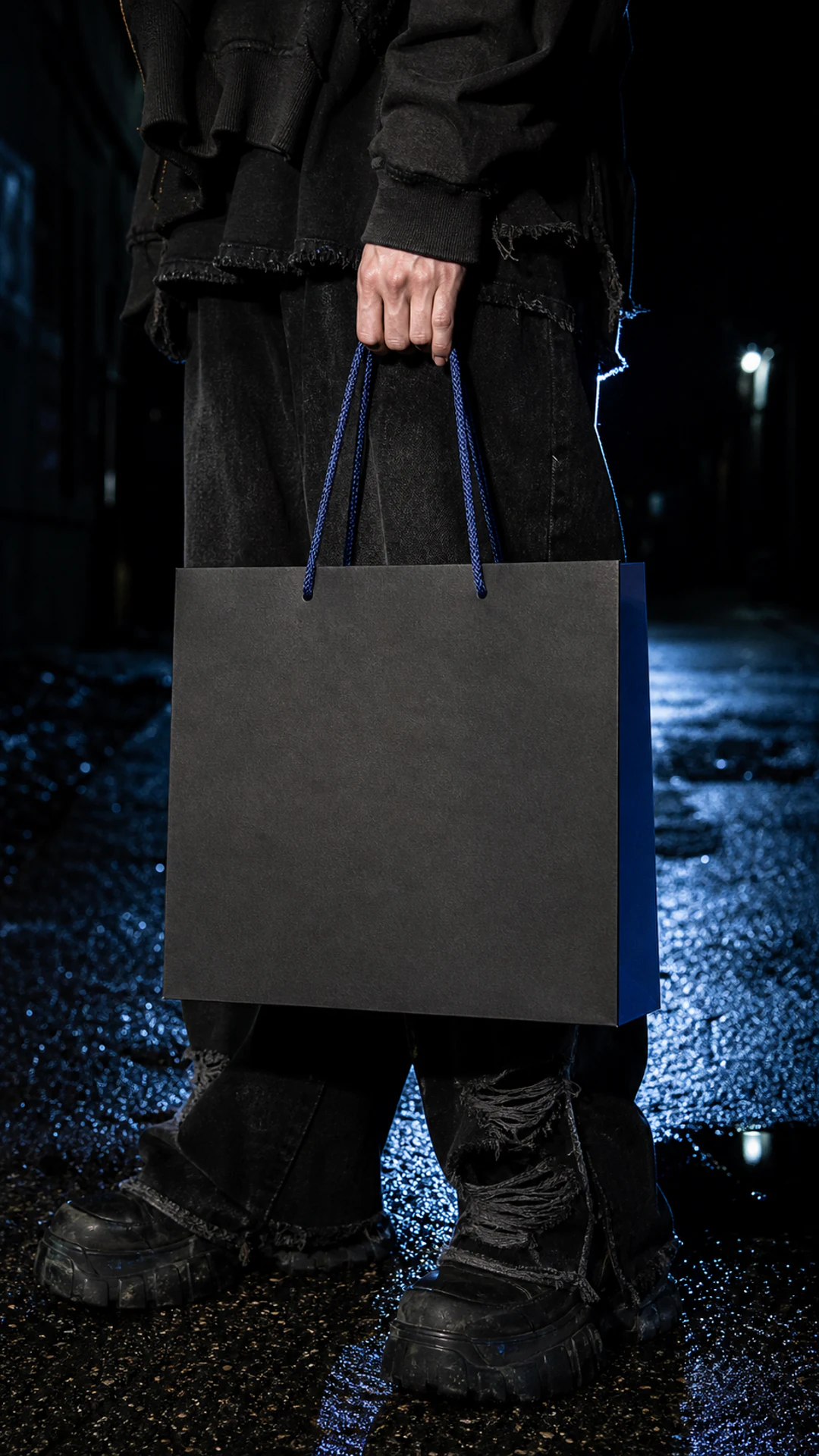

Your starting point
Upload an SVG or transparent PNG. LogoFuse keeps the mark recognizable while it moves across every frame.
Finish
Turn the same mark into a fast, beat-ready sequence built from scenario-specific vertical frames.
Why motion helps
A clothing launch moves across product pages, social feeds, retail screens, and creator posts. One short motion system helps the mark stay recognizable in every cut.
Use fast reveals and held final frames to make drop dates and product shots land clearly.
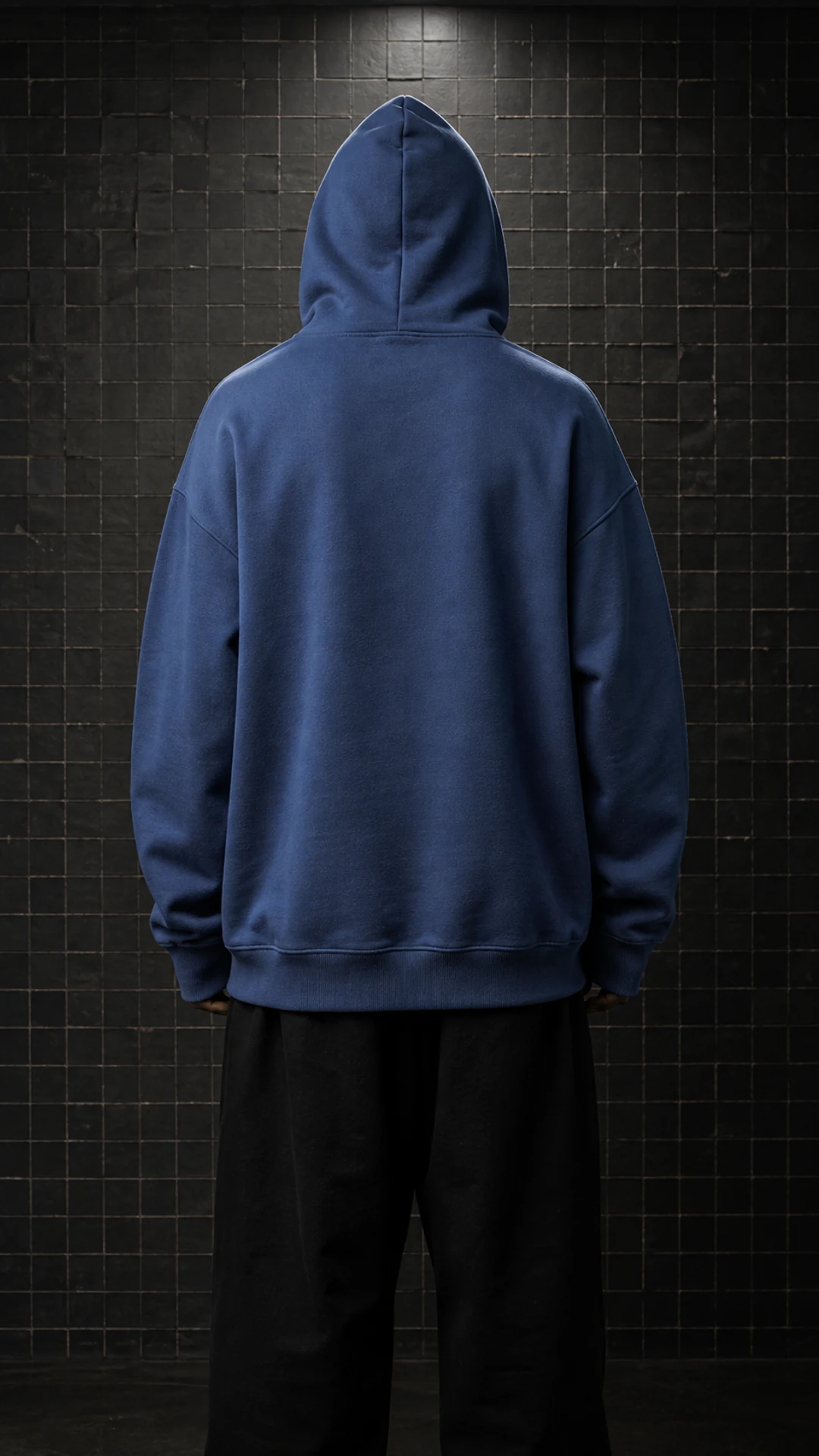
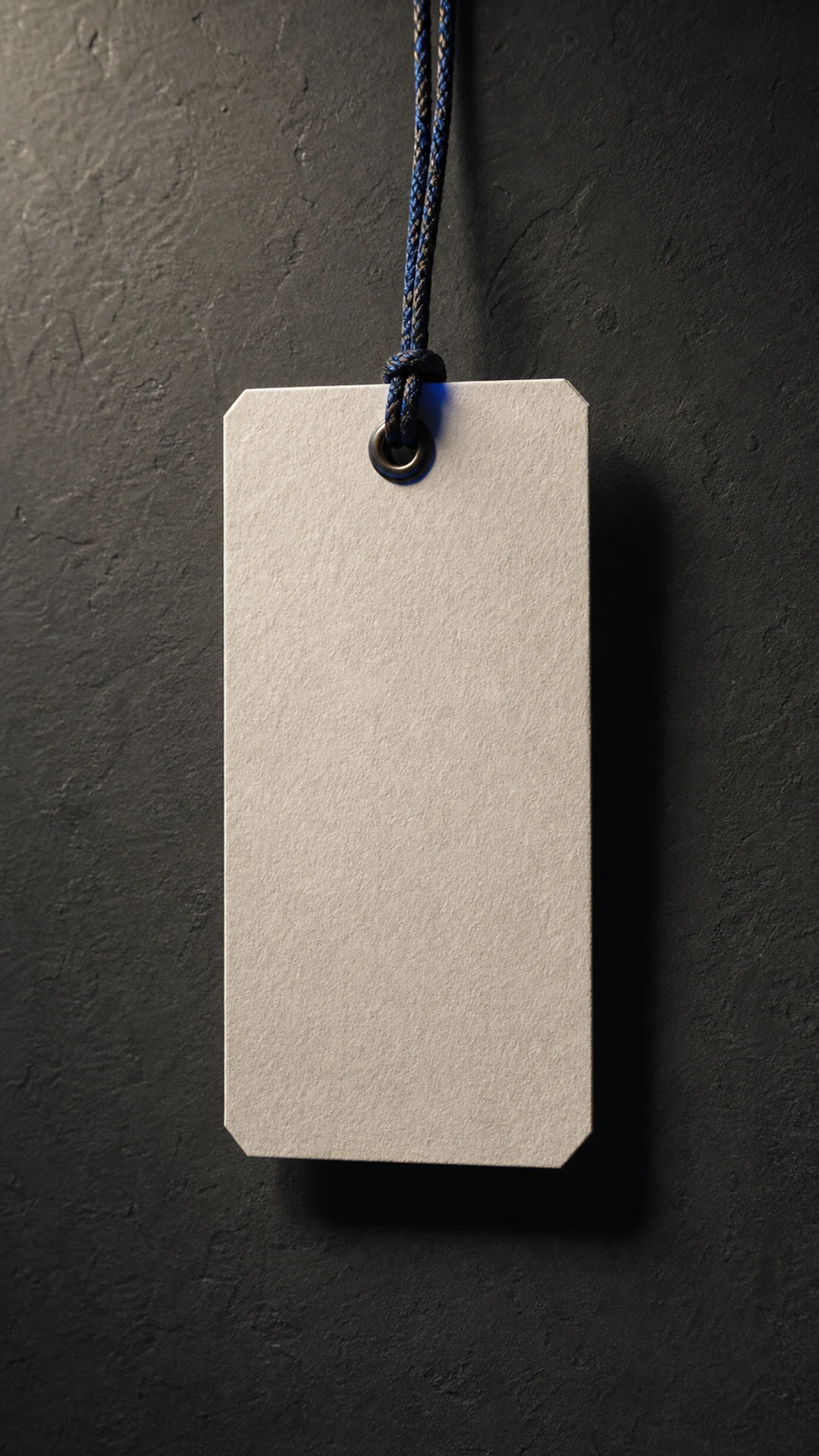
Place the mark on bags, hoodies, tags, caps, and fabric instead of floating it over generic footage.
Compose for Reels, TikTok, and Shorts without rebuilding a horizontal brand film.
Keep one structure and swap the palette, frames, or pacing for each collection.
How it works
The same three-step workflow works for every use case—no timeline or keyframe setup required.
Add an SVG, PNG, JPEG, or WebP. Your artwork stays editable inside the browser-based canvas.
Mix relevant materials, devices, and brand-color frames, then adjust placement and pacing.
Render a vertical MP4 for social and presentations, with WebM options where supported.
Made for
FAQ
Yes. Mix LogoFuse material frames with your uploaded product shots, then reorder them into one short launch sequence.
Automatic contrast and blend settings adapt the mark to each frame, and you can override color, opacity, and blend mode per shot.
Yes. Save the project, replace frames or colors, and export a new campaign variant without rebuilding the sequence.
Build the first cut
Start with the LogoFuse frame library, then replace, reorder, and tune every shot.