Device-ready frames
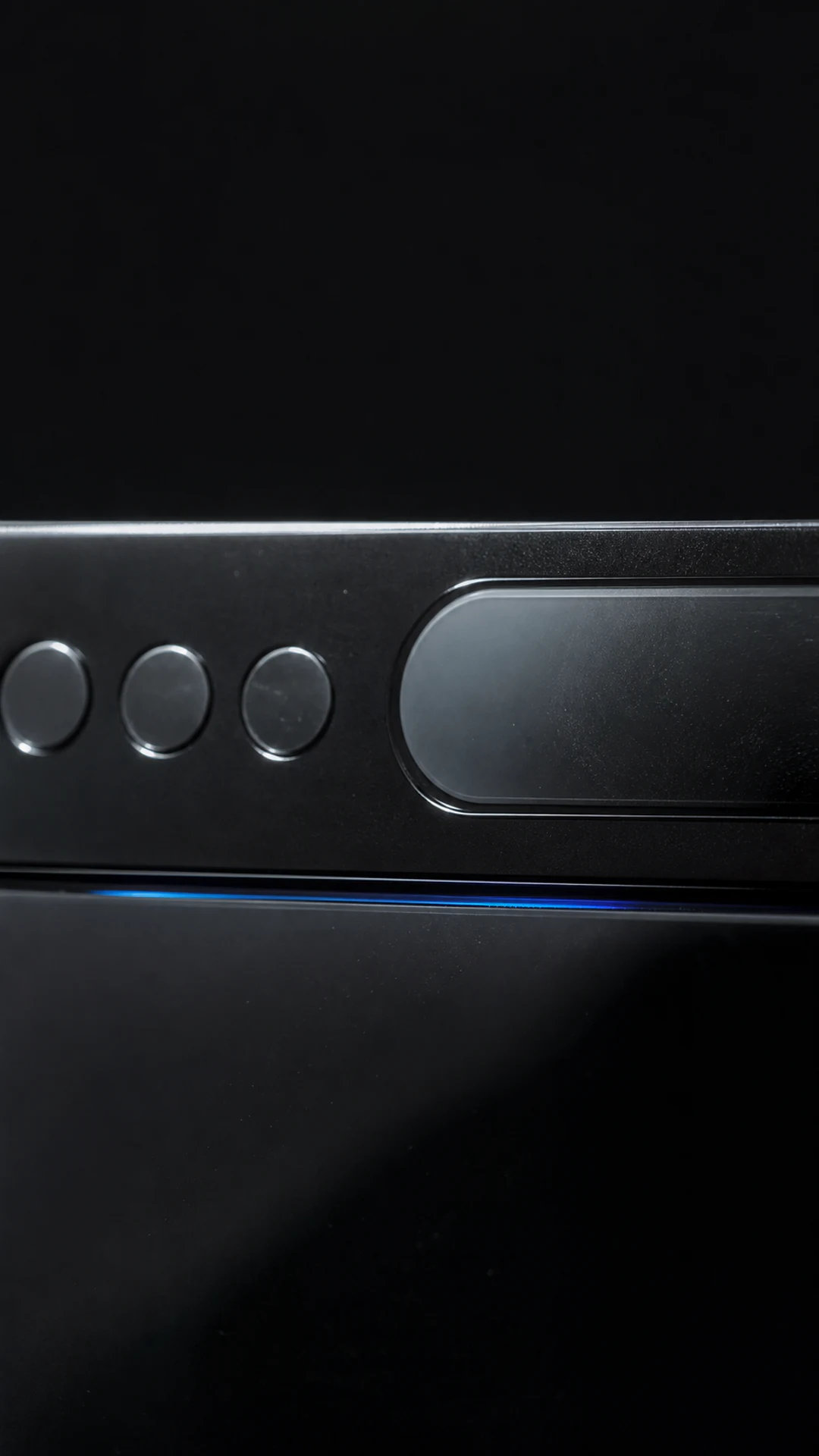
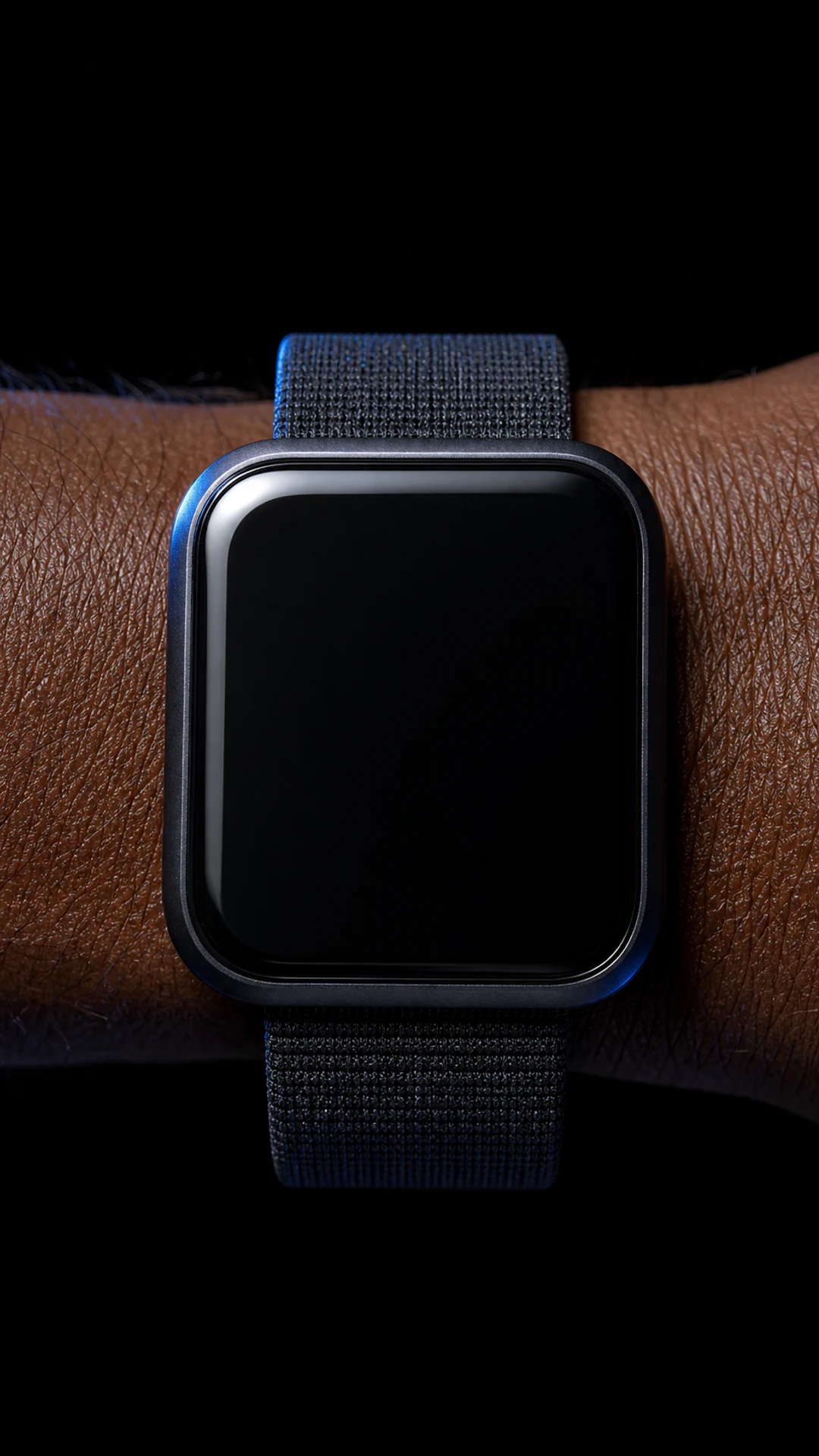
Place the mark on phones, browsers, laptops, and watches rather than relying on a generic logo slate.
Use case · Tech Startup
Build a compact logo sequence around phones, browsers, laptops, and wearables so every feature video starts and ends like the same product.
Create your logo video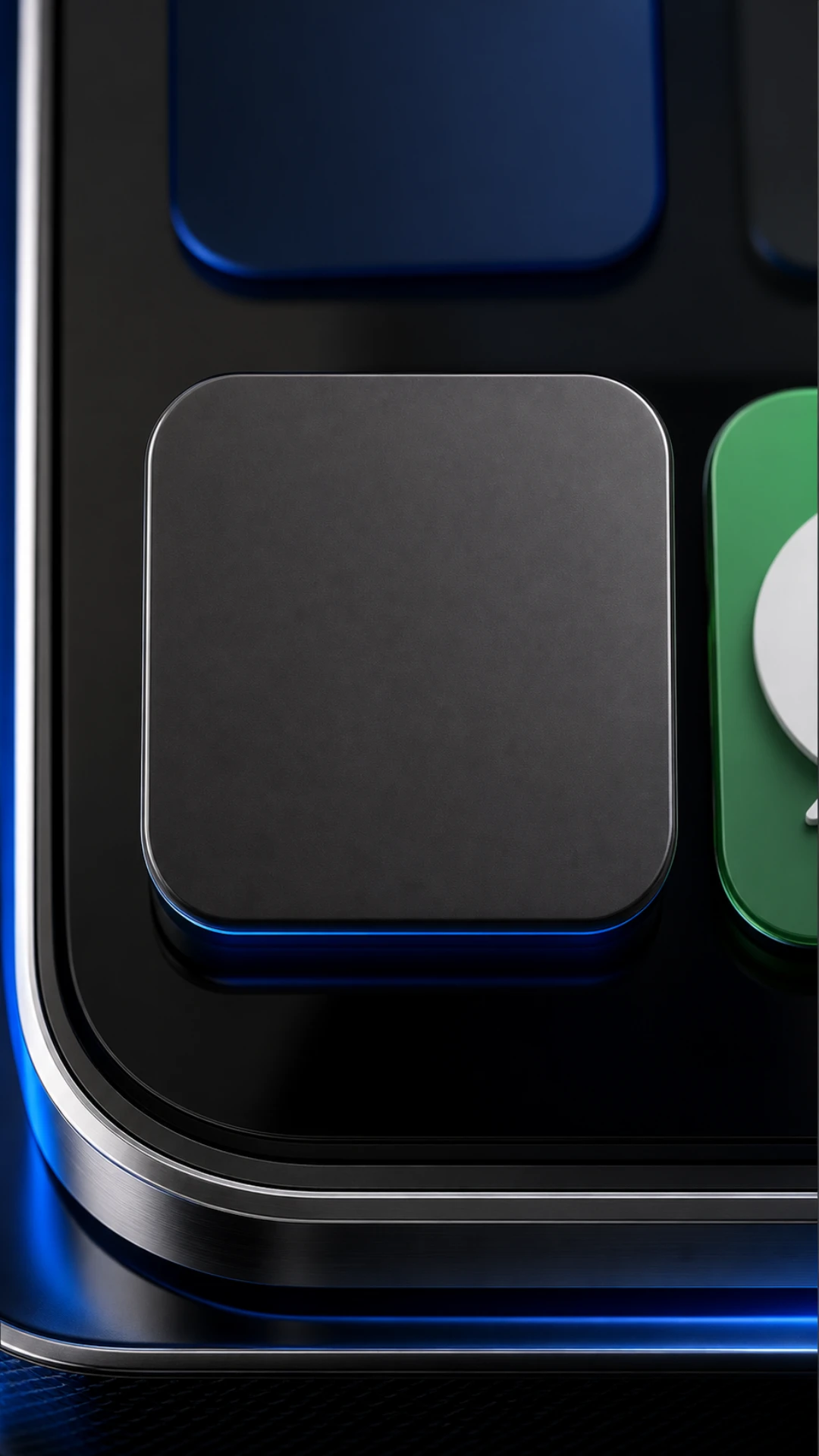

Your starting point
Upload an SVG or transparent PNG. LogoFuse keeps the mark recognizable while it moves across every frame.
Finish
Turn the same mark into a fast, beat-ready sequence built from scenario-specific vertical frames.
Why motion helps
A startup ships across app stores, landing pages, release notes, and events. Repeating the same logo motion makes fragmented launch assets feel coordinated.
Place the mark on phones, browsers, laptops, and watches rather than relying on a generic logo slate.
Use one opener and closer across walkthroughs, release videos, and paid social variants.
Keep the brand beat short enough to leave the first seconds for the product itself.
Export a vertical master for launch posts, then reuse the visual system in presentations and displays.
How it works
The same three-step workflow works for every use case—no timeline or keyframe setup required.
Add an SVG, PNG, JPEG, or WebP. Your artwork stays editable inside the browser-based canvas.
Mix relevant materials, devices, and brand-color frames, then adjust placement and pacing.
Render a vertical MP4 for social and presentations, with WebM options where supported.
Made for
FAQ
Yes. Replace and reorder the bundled phone, browser, laptop, and watch frames to match the product you are launching.
For short product clips, keep the branded opening to roughly one or two seconds and let the final frame hold slightly longer.
Yes. Audio is optional; you can export a silent motion sequence and add narration or a campaign soundtrack later.
Build the first cut
Start with the LogoFuse frame library, then replace, reorder, and tune every shot.