Logo Motion vs Flash Logo Video: Key Differences
Compare continuous shader logo motion with fast-cut Flash logo video by visual goal, controls, pacing, source assets, export workflow, and use case.
 LogoFuse Team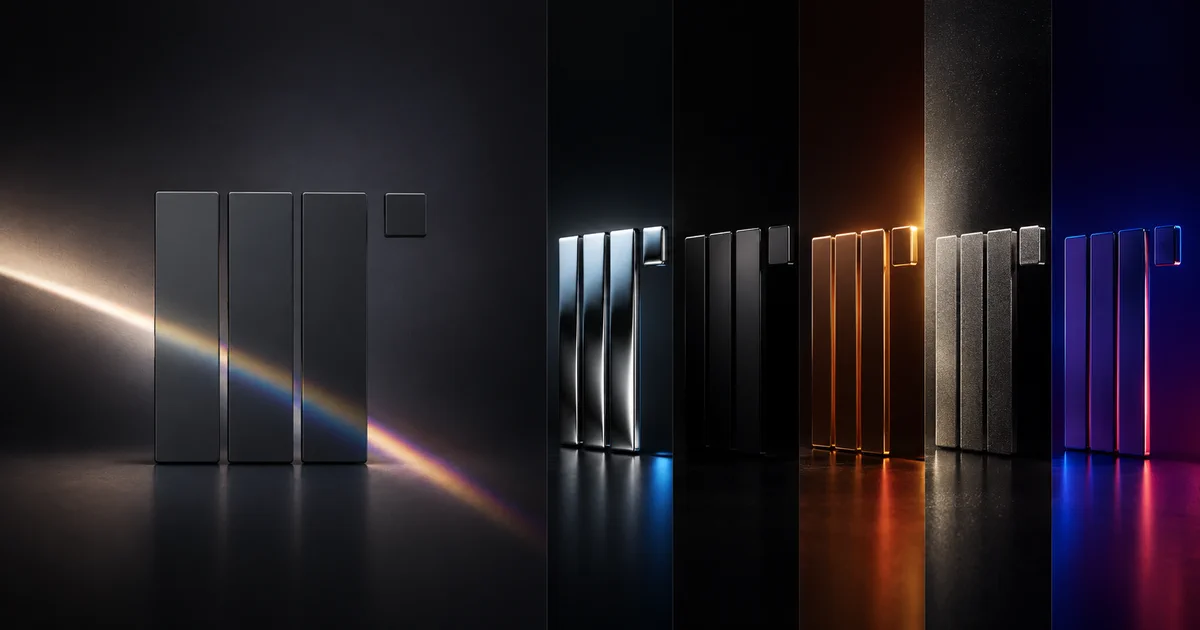
Use Logo Motion when the logo itself should remain the visual focus while material, light, smoke, or color moves through it. Use a Flash logo video when the same mark should connect a sequence of products, interfaces, packaging, and brand surfaces. The right choice depends on the communication job, not which effect looks more complex.
Key takeaways
- Logo Motion is continuous and effect-led.
- Flash video is sequential and scene-led.
- Both workflows start from an existing logo.
- Logo Motion asks how the logo surface should behave; Flash asks where the logo should appear.
- A launch system can use both, but each clip should have one clear job.
What is the difference between Logo Motion and Flash video?
The fastest comparison is one stage versus many scenes.
| Decision | Logo Motion | Flash logo video |
|---|---|---|
| Visual structure | One continuous stage | Sequence of editable scenes |
| Primary subject | The logo surface and silhouette | The wider brand world around the logo |
| Main controls | Material, palette, glow, distortion, speed, angle | Scene order, placement, duration, brand colors, audio |
| Best output | Reveal, loop, opener, closer, motion signature | Launch montage, teaser, pitch opener, campaign sequence |
| Common mistake | Effects overpower the mark | Scenes move too quickly to communicate a story |
What does the Logo Motion workflow produce?
Logo Motion produces a focused reveal or loop. The mark stays on one vertical stage while a shader changes its apparent material, inner light, edge glow, distortion, and color field.
This is useful when a brand needs a recognizable visual signature: a metallic sweep, spectral color pass, smoke reveal, or rhythmic pulse. The Logo Motion editor includes 12 presets across Heatmap, Liquid Metal, and Gem Smoke families. The underlying browser graphics model is explained in the shader animation guide, with WebGL providing the browser's hardware-accelerated canvas foundation.
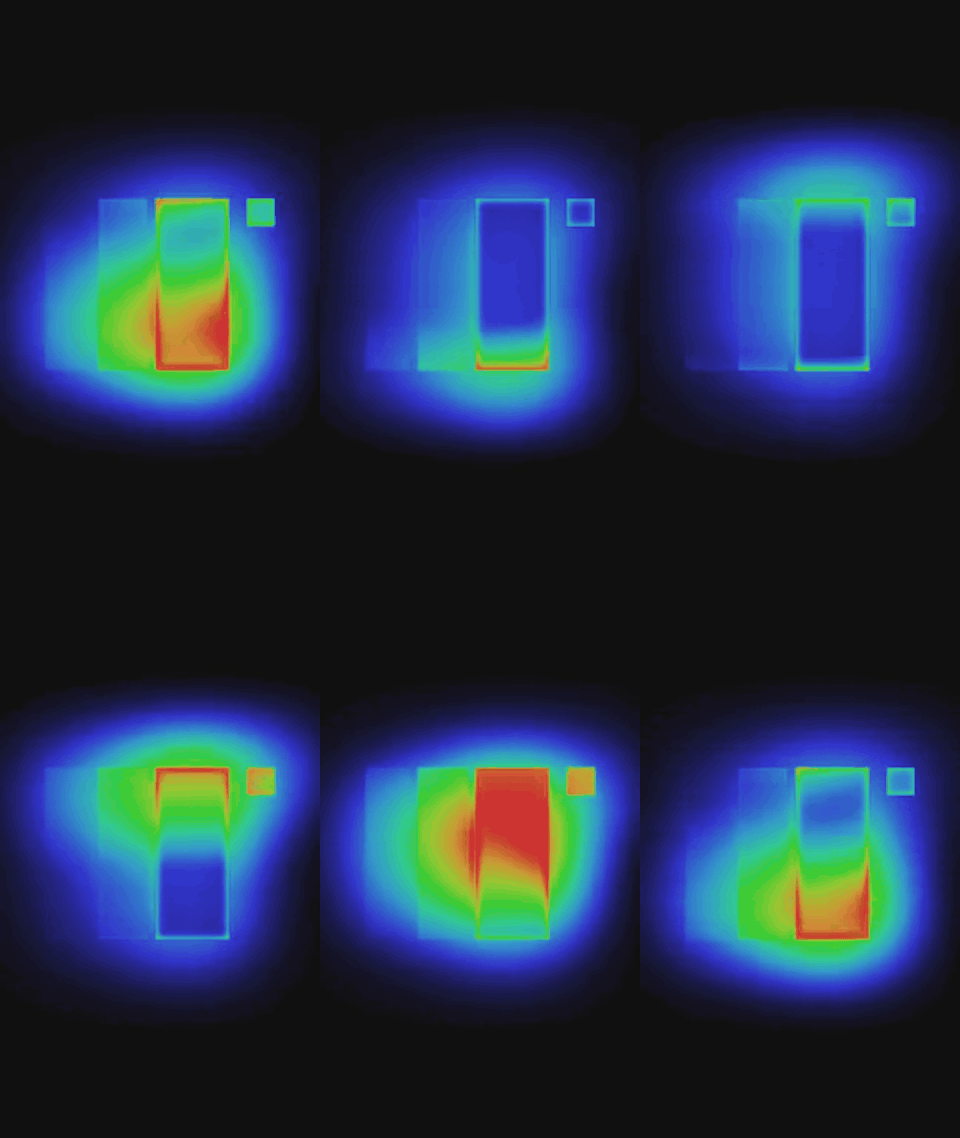
Logo Motion keeps one mark on one stage while the material treatment moves.
What does the Flash workflow produce?
The Flash editor produces a fast montage. One logo appears across 28 editable frames that include cards, materials, screens, devices, color fields, product surfaces, and construction scenes.
This works when the video needs to imply a wider brand system rather than one material effect. It is suited to a product launch, pitch-deck opener, collection drop, founder announcement, or campaign teaser. Open the Flash editor to control scene order, duration, logo placement, brand colors, audio, and intensity.
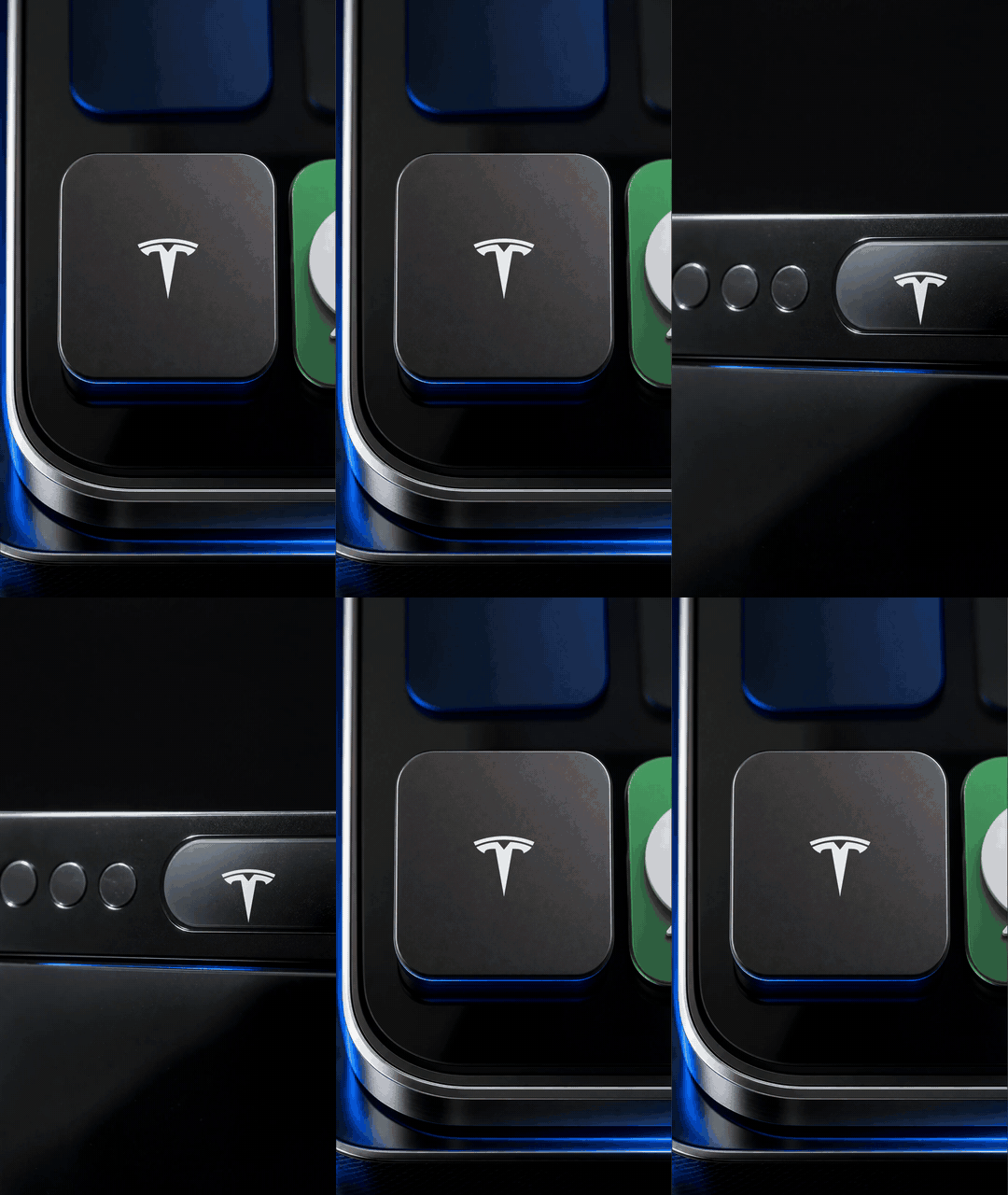
Flash video changes the surrounding context while the brand mark connects the sequence.
How do the controls differ?
Logo Motion emphasizes surface behavior: tint, background, speed, angle, glow, distortion, shape, scale, position, and audio response. A small parameter adjustment can change the character of the same continuous shot.
Flash video emphasizes composition and sequencing: which scenes appear, how long each lasts, where the logo sits, how brand colors carry between frames, and how cuts align with audio. The design question is not “how reflective should the logo be?” but “what should the viewer understand from this order of scenes?”
Use the illustrated LogoFuse tutorial for the Logo Motion controls. For Flash, begin by removing scenes that do not support the brief before fine-tuning every frame.
Which workflow fits common briefs?
- “Make the logo feel luminous, metallic, smoky, or alive.” Start with Logo Motion.
- “Show the brand across products and interfaces.” Start with Flash.
- “Create a reusable opener and closer.” Use a short Logo Motion treatment.
- “Build a product-launch teaser.” Use Flash, then add Logo Motion as a transition or end beat.
- “Create a looping event screen.” Use Logo Motion unless the event needs a narrative sequence.
- “Present several brand directions to a client.” Build controlled variants in Logo Motion; use Flash only when context scenes are part of the concept.
Can Logo Motion and Flash video be combined?
Yes, but use them in sequence rather than stacking every effect. A practical launch structure is:
- a one-second Logo Motion reveal;
- a Flash sequence connecting the mark to product scenes;
- a real product demonstration;
- a clean static or gently moving end card.
Maintain the same logo geometry, approved palette, safe margins, and pacing logic. One recognizable movement repeated across assets creates more brand memory than unrelated treatments in every clip.
The product-launch logo animation guide shows where each part belongs.
Which workflow should you test first?
Choose the workflow that answers the brief in one sentence. If the brief is still unclear, create one low-resolution draft in each editor and compare them at actual phone size.
Judge the drafts on three questions:
- Which version identifies the brand faster?
- Which version supports the product message rather than delaying it?
- Which version can be reused across the planned channels?
Do not select the clip with the most motion by default. Select the clip that communicates the intended brand idea with the least confusion.
Related LogoFuse guides
- What logo motion means and where it is used
- How to use LogoFuse in five steps
- How to use logo animation in a product launch
Start with the free Logo Motion maker for a continuous treatment or the Flash editor for a multi-scene launch sequence.