What Is Logo Motion? Definition, Uses & Examples
Logo motion animates an existing brand mark into a reveal, loop, opener, or scene sequence. See practical examples, workflows, files, and use cases.
 LogoFuse Team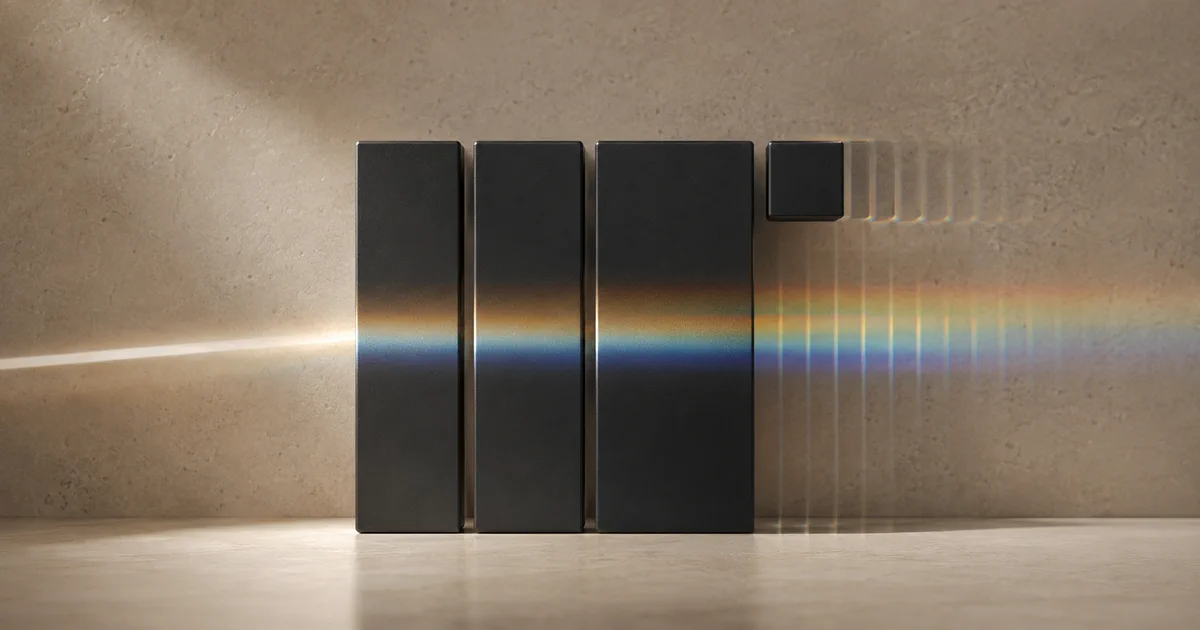
Logo motion is the controlled animation of an existing logo. It adds timing, movement, light, material, or scene changes while keeping the underlying brand mark recognizable. The result is usually a short reveal, loop, opener, closer, or launch asset—not a complete commercial and not a replacement for logo design.
Key takeaways
- Logo motion starts with an existing mark; it does not create a new logo.
- Good motion preserves silhouette, contrast, spacing, and recognition.
- A logo can move continuously on one stage or appear across a sequence of scenes.
- The right file, duration, safe area, and export resolution depend on the final placement.
- A repeatable motion signature is usually more useful than a one-off effects demo.
What does logo motion include?
Logo motion includes any intentional change over time that helps a brand mark appear, transform, pulse, move, or transition between contexts. Common treatments include a light sweep, liquid-metal movement, smoke inside a logo mask, geometric assembly, color cycling, scale changes, or a fast cut between branded surfaces.
The defining constraint is recognition. If an effect hides the logo for most of the clip, changes its proportions, or overwhelms its edges, it may be visually impressive but weak as a reusable brand asset.
| Logo motion includes | Logo motion does not automatically include |
|---|---|
| Animating an approved logo | Designing a new logo or trademark |
| Timing, movement, material, light, and scene changes | A complete product demo or long-form edit |
| Openers, closers, reveals, loops, and transition beats | Permission to use a third-party brand mark |
| Exporting a reusable video asset | A guarantee that every platform accepts every codec |
Is logo motion the same as logo design?
No. Logo design defines the mark itself: its shape, typography, spacing, color system, and usage rules. Logo motion begins after those decisions are approved. It describes how the existing mark behaves over time.
LogoFuse follows that boundary. It is a browser-based logo motion maker, not a prompt-based AI logo generator. The editors change motion, material, color, timing, audio, and scene placement without redesigning the trademark. You remain responsible for using a logo you own or are authorized to animate.
What are the main logo-motion workflows?
There are two practical workflows, and they solve different communication problems.
Continuous logo animation
One logo remains on a single stage while a shader controls light, material, distortion, smoke, glow, or color over time. This works well for logo stings, avatar loops, social-video openers, and repeatable end cards. The Logo Motion editor uses this model.
Multi-scene logo animation
The same logo appears across cards, packaging, interfaces, devices, color fields, and material surfaces. Fast cuts create a wider brand presentation for launches, pitch content, and campaign teasers. The Flash logo video editor uses this model.
The detailed Logo Motion vs Flash comparison shows the control and pacing differences.
A continuous Logo Motion example: the material and color move while the logo remains the visual focus.
What makes a logo animation effective?
An effective logo animation communicates the brand quickly at the size where it will actually be viewed. More effects do not automatically improve it. Use this five-point review:
- Recognition: the mark remains identifiable at the brightest, darkest, and most distorted moments.
- Proportion: the animation never stretches or accidentally crops the approved geometry.
- Contrast: the logo stays readable against both the animation and the destination background.
- Pacing: the important brand moment arrives before the viewer loses attention.
- Reusability: the clip can work in more than one launch, post, presentation, or end card.
Thin strokes, tight counters, and detailed emblems often need lower glow and distortion. Simple marks can usually tolerate stronger material movement.
Which logo files work best?
Transparent SVG and PNG files normally produce the cleanest results because their edges and transparency are explicit. A high-resolution JPEG or WebP can work when its background is intentional, but a baked-in white rectangle becomes part of the animated asset.
The MDN image format guide explains the browser characteristics of SVG, PNG, JPEG, and WebP. For practical preparation, remove unnecessary empty margins, preserve transparency, and test the mark on both light and dark backgrounds.
LogoFuse currently accepts SVG, PNG, JPEG, and WebP. Its Logo Motion workflow uses a 9:16 stage and supports free 720p, signed-in 1080p, and eligible 4K export paths. The logo animation export guide covers resolution, MP4, WebM, and device limits.
Where is logo motion used?
Logo motion is most useful when a static mark needs to become a short, repeatable visual beat:
- the opening or closing second of a product demo;
- a TikTok, Reel, or Short transition;
- a collection-drop or campaign teaser;
- a conference screen or event bumper;
- a pitch-deck opener;
- a design-system handoff showing approved motion behavior;
- a looping avatar, social header, or product-launch gallery asset.
The animation should support the main message, not delay it. In a product launch, for example, the product benefit still needs enough screen time; the logo beat establishes ownership and consistency. See the product-launch workflow for placement examples.
How do you create logo motion?
The basic production sequence is straightforward:
- Start with an approved SVG or transparent PNG.
- Choose continuous Logo Motion or a multi-scene Flash sequence.
- Set the background and brand colors before advanced effects.
- Preview the full timeline at phone size.
- Export a 720p or 1080p draft and test it in the real placement.
- Render the final resolution only after timing and readability are approved.
The illustrated LogoFuse tutorial walks through upload, style selection, tuning, preview, and export with screenshots and GIFs.
Related LogoFuse guides
- How shader logo animation works in a browser
- Logo Motion vs Flash logo video: key differences
- Logo animation export guide: 720p to 4K
When the goal is a continuous reveal or loop, open the free Logo Motion maker. When the logo needs to move across product and brand scenes, use the Flash editor.